Forum Replies Created
-
AuthorPosts
-
Stefano
KeymasterHi Caleb,
Indeed you can!
In Post Pay Counter > Options > Miscellanea > Allowed post types, make sure you have Topic ticked, and topics will be included in countings as if they were normal posts 🙂Have a nice day
StefanoMay 1, 2016 at 12:41 pm in reply to: My analytics websites won't display stats after verifying it. #50724KeymasterThat’s just because today a new month starts, so the default time range only picks today. Try to select a wider one through the date picker 🙂
May 1, 2016 at 8:55 am in reply to: My analytics websites won't display stats after verifying it. #50712KeymasterHi Frank,
have a look at your stats page and let me know if it looks fine to you 🙂Have a nice day,
StefanoKeymasterCiao Paolo,
scusa c’era un problema con il file, grazie per la segnalazione. Riprova ora con lo stesso link 🙂Buona giornata,
StefanoApril 30, 2016 at 7:24 am in reply to: My analytics websites won't display stats after verifying it. #50698KeymasterHow often do the stats update?
Analytics data is updated every day, at the time you first authorized Analytics. Doesn’t it happen? If not, post your System Info 🙂
KeymasterHi Mezo,
can you check that your license is correctly activated in the License box of the plugin Options page?Have a nice day,
StefanoKeymasterHi Eric,
go to the plugin Options page > Permissions box and uncheck the PayPal one, and save. Then in the Miscellanea box tick Admins override all permissions. Save that as well.Does this help? 🙂
Have a nice day,
StefanoKeymasterI guess so, I did it a long time ago. If you now see Adsense revenues in your Analytics, then that was it 🙂
April 28, 2016 at 8:03 pm in reply to: My analytics websites won't display stats after verifying it. #50683KeymasterGood, glad to know 🙂
April 28, 2016 at 7:08 pm in reply to: My analytics websites won't display stats after verifying it. #50679KeymasterHe only has 2 views, but it should still technically give him the payment of $0.001 right?
Yes, but payment amounts are rounded (or even truncated, I think) to the second decimal digit, so until he reaches $0.01, he won’t see anything.
Can we have it so that it only shows their unique views in the stats? Or maybe show raw AND unique next to each other?
Raw and unique together it’s not possible, the plugin doesn’t keep track of them both at the same time, it’s a mutually exclusive choice. However, you can hide the payment in the visits column by tweaking the Display setting in the Counting settings box, in the section related to Visits payment. The payment may still be displayed in the payment tooltip. so you may want to disable that from the Miscellanea box.
Hope this helps! 🙂
KeymasterHi Frank,
Have a look at this tutorial 🙂How do we verify our Adsense account? Did we do that when we verified the Analytics?
Yes, Adsense and Analytics are tied. Adsense data is drawn from Analytics, so you need to make sure you can see your Adsense revenues from your Analytics dashboard.
Have a nice day,
StefanoApril 28, 2016 at 1:39 pm in reply to: My analytics websites won't display stats after verifying it. #50675KeymasterHi Frank,
the issue with All Web Site Data depends on the name you’ve given to your Analytics Views in its settings. See for example this post to know how to change them.My unique pageviews don’t match up to the amount people should be earning.
Are you talking about the pageviews numbers or the payments? Are pageviews correct?
I want to pay my writers based on their unique views only, $1.00 per thousand views, but can’t seem to configure it right.
Well, there isn’t a native clear way of doing that. You can use the zonal payment system and set it to pay $1 between 0 and 1000, $2 between 1000 and 2000, and so on, but you can’t just tell the plugin to pay $1 every 1000 views (what you can do is set it to pay 0.001 per single view).
Hope this helps 🙂
Have a nice day,
StefanoKeymasterIt seems like remote requests to our server (this one, postpaycounter.com) fail, and unfortunately there’s not much we can do. See this post to understand why it happens.
April 27, 2016 at 4:41 pm in reply to: PRO features disabled even though PRO plugin is still activated #50669KeymasterHi Serkan,
could you check the License Status box in the Options page? Does the license show up as active?Have a nice day,
StefanoKeymasterCiao Luca,
fai caso che nel box Impostazioni PayPal nella pagina delle Opzioni abbia l’opzione relativa alla Sandbox disabilitata. Risolve?Buona giornata,
StefanoKeymasterHi Geoff,
could you please refresh your plugins page a couple times? It looks like requests to my server are not getting through… What version are you running?Have a nice day,
StefanoKeymasterOkay, bit of a recap:
- I tweaked WP Rocket: emptied cache, deactivated WP Rocket, activated WP Rocket, deactivated caching for logged-in users, activated caching for logged-in users. Basically now it is as it was before.
- I activated both PRO and Facebook addons to PPC.
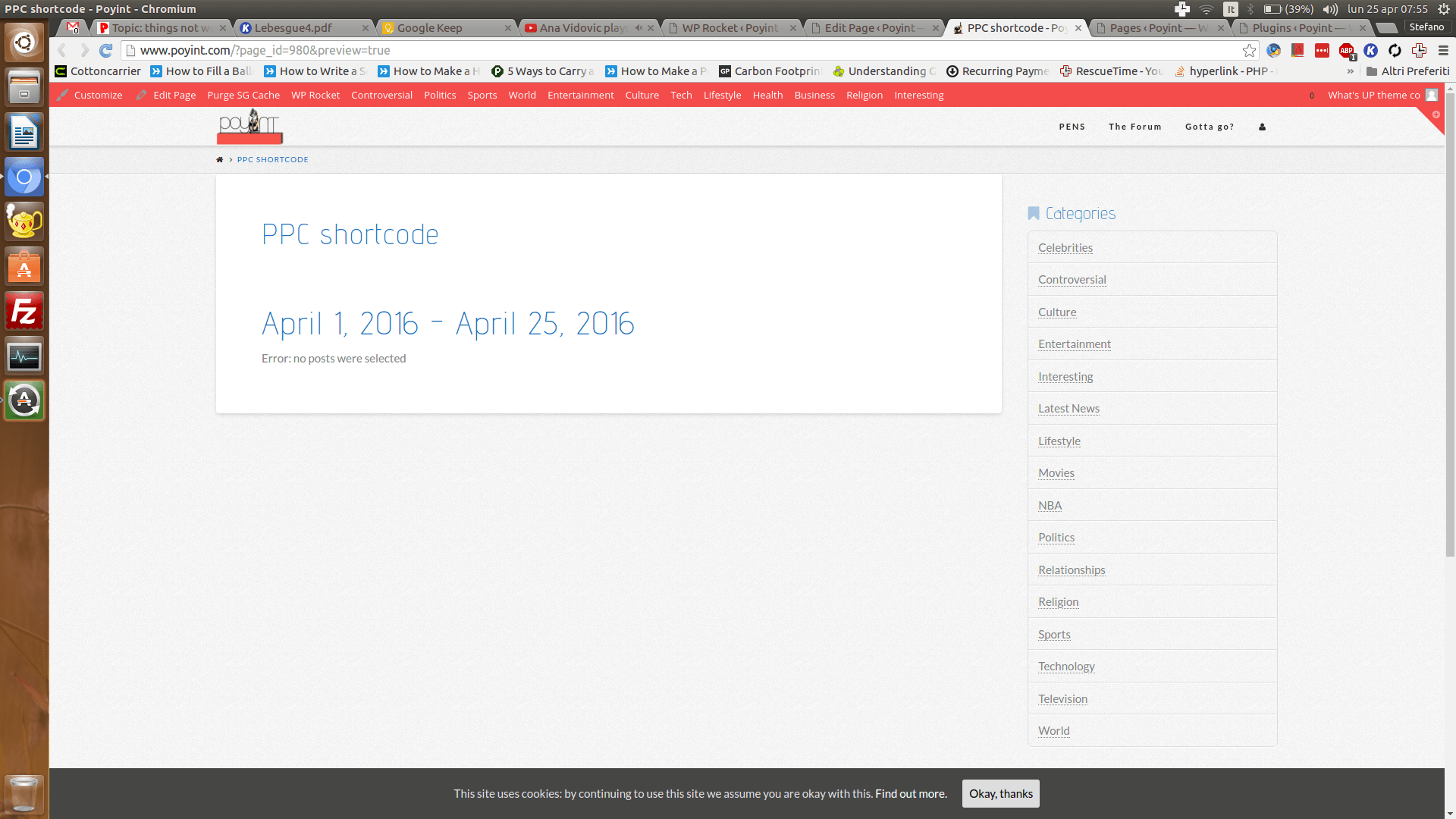
Now the editor loads just fine and the shortcode does as well (see screenshot). Is it fine on your end as well? 🙂
Attachments:
Keymasterbut when I deactivate wprocket… it works. Do you think something is being cached?
That shouldn’t be the cause. About the error log: what you showed me is no the actual error log, it only contains 300 errors. For example, I have an error_log file in my server root, or you may have a debug.log in your wp-content folder. Please check that 🙂
KeymasterWhat’s the problem with the shortcode? I’ve tried creating a draft page with the shortcode [ppc] and it displays regular stats just as the stats page does, whereas the shortcode [ppc author="current"] works, although doesn’t display anything to me cause I have no posts on your site. Can you check if it’s still not working?
However, the major issue seems to be that with the PRO enabled you can’t edit a post, as only a blank page is displayed. I haven’t been able to replicate the issue on any of my sites. Could you check if there are any errors in your server error_log please? (I have now deactivated the PRO, if you want to see the schortcode in action you need to activate it again)
Have a nice day, 🙂
StefanoKeymasterSorry, bit of a hiccup again. Fixed and updated your release 🙂 (The only thing that changes now is the version number, since I had already updated your files. Aren’t stats working?)
-
AuthorPosts